Setting Up Custom Services
Step-by-step guide to create your first custom service in RDN.
Step 1: Create a New Service
To begin creating a custom service:
-
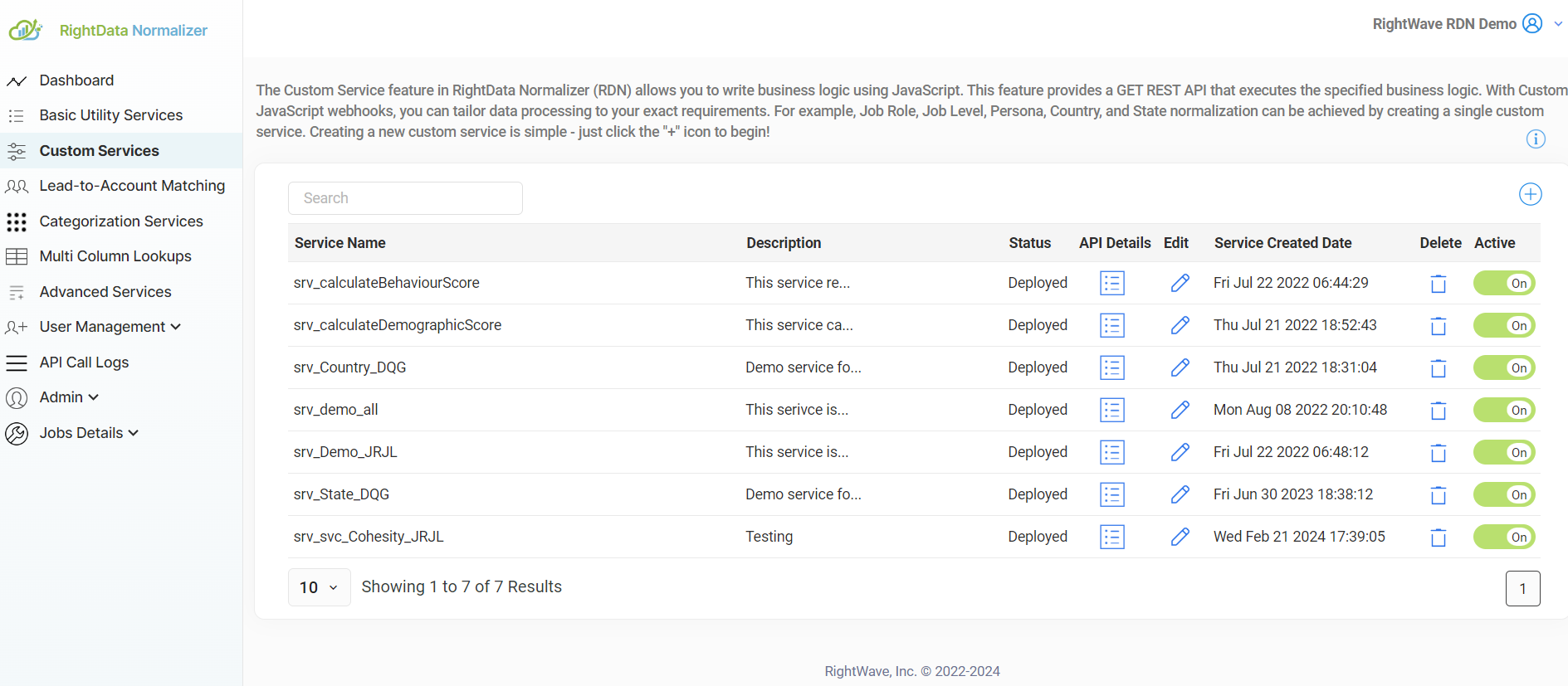
Click the '+' icon to create a new service
-
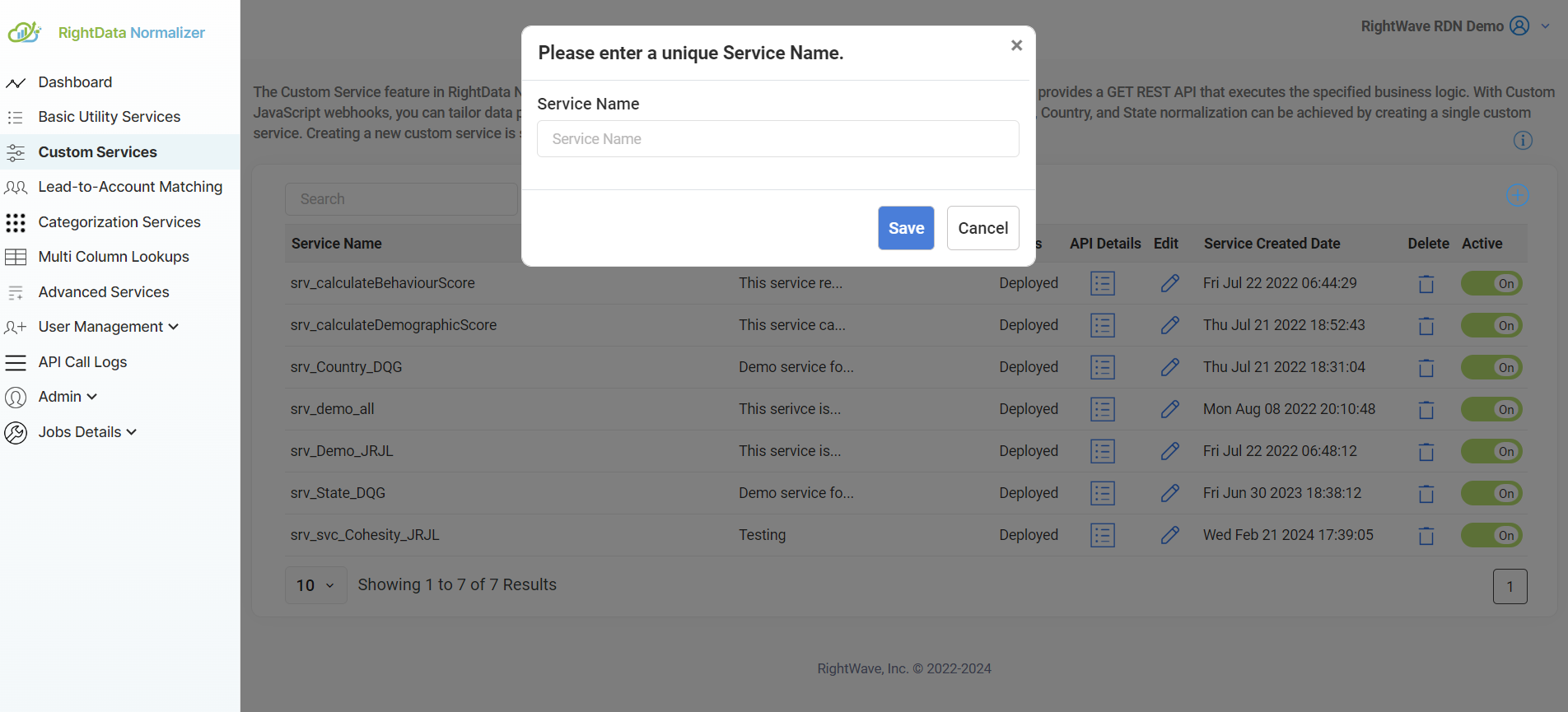
Enter the service name in the dialog box
- Choose a unique, descriptive name for your service
- The system will automatically prefix the function name with
srv_ - For example, if you enter
addScore, your function will besrv_addScore
-
Click Save to create the service
Step 2: Choose Script Type
After creating your service, you'll need to select the script type:
By default, Draft Script is selected, which is recommended for development.
Draft Script
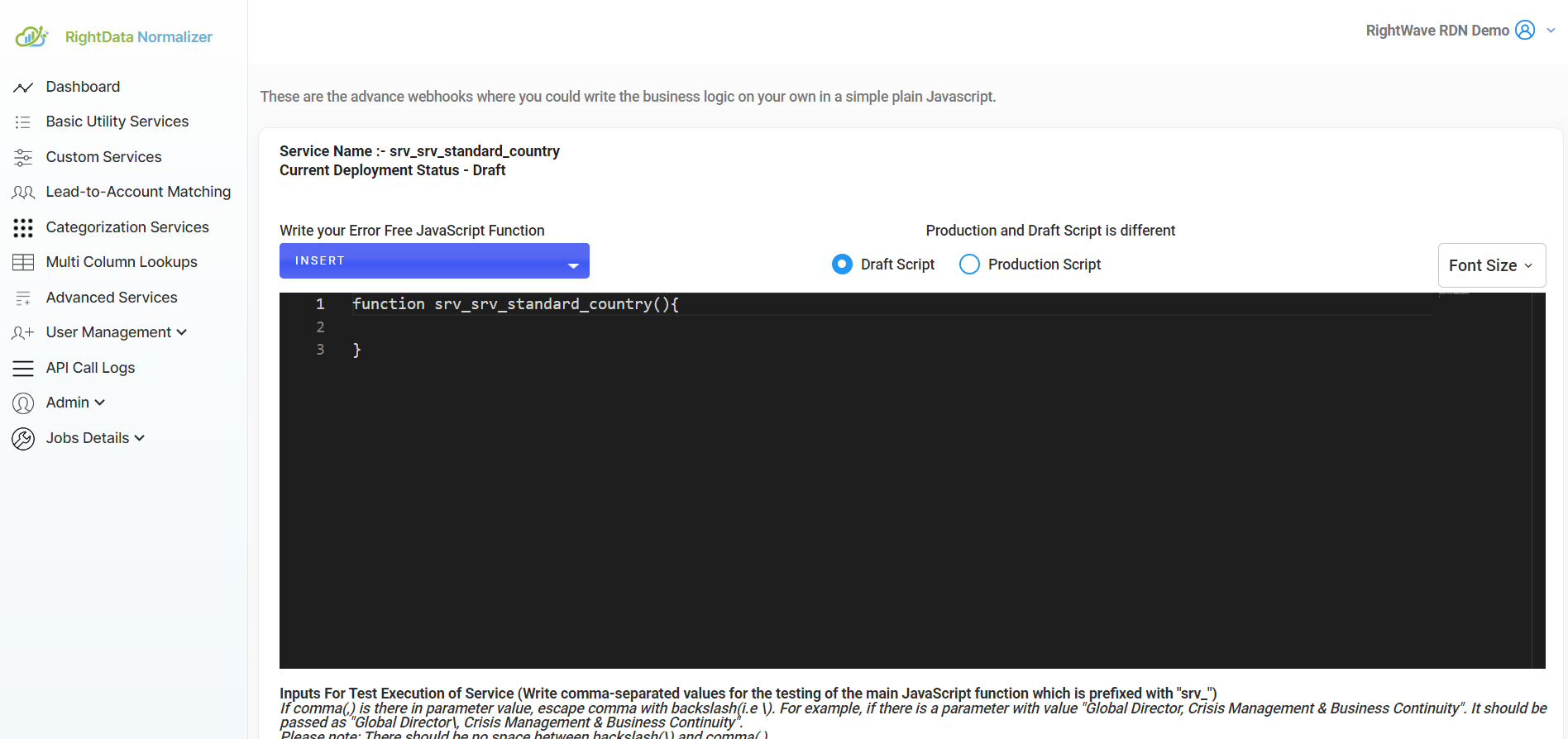
Draft Script is used during development and testing:
- ✅ Editable - You can make changes and updates
- ✅ For development - Used during active development
- ✅ Can contain errors - Experimental code is allowed
- ✅ Select Draft to edit - You MUST select Draft mode to modify code
When to use: Always select Draft mode when making changes to your code.
Production Script
Production Script contains finalized, error-free code:
- 🔒 Immutable - Cannot be modified directly
- ✅ Stable - Error-free code runs in live environment
- ✅ Deployed - Active in the production environment
- 🔄 Requires redeployment - Changes must be made in Draft, then redeployed
When to use: Once tested and ready for live use.
Step 3: Configure Editor Settings
Font Size Adjustment
To adjust the font size of the JavaScript editor for better readability:
-
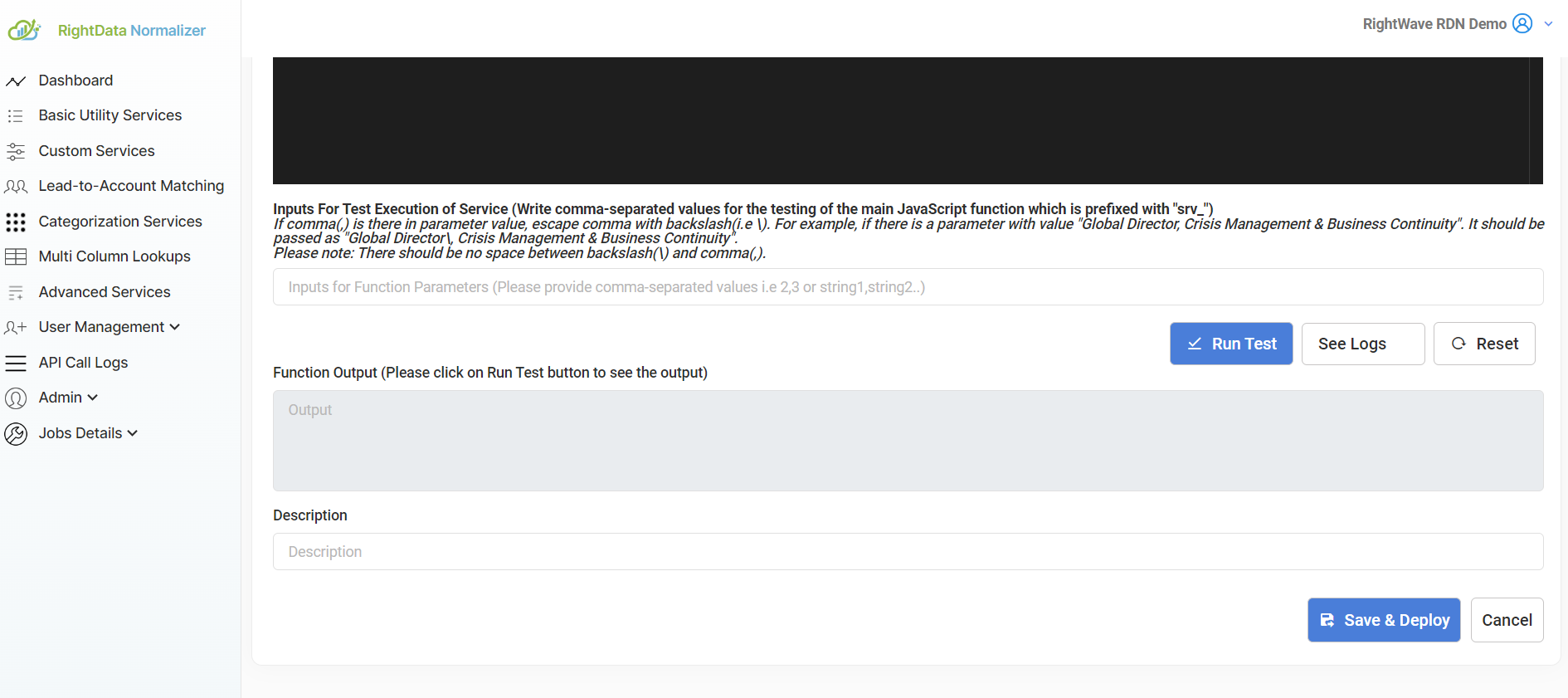
Click the Font Size button in the editor toolbar
-
Select your preferred size from the options
-
The editor will immediately update with your chosen font size
Service Structure
Once you've created a service, here's what you'll see:
Custom Service: srv_[serviceName]
├── Draft Script          (Edit here during development)
├── Production Script      (Deployed version)
├── Font Size Control     (Adjust readability)
├── Code Editor           (Write your JavaScript)
├── Test Input Area       (Test your code)
└── Logs                  (View execution logs)
Workflow: From Draft to Production
Follow this workflow for safe development and deployment:
1. Create Service
   ↓
2. Select Draft Mode
   ↓
3. Write JavaScript Code
   ↓
4. Test with Draft Script
   ↓
5. Fix Any Errors
   ↓
6. Deploy to Production
   ↓
7. Production Script Is Now Live
Important: You cannot edit the Production Script directly. Any changes must be made in Draft mode and then redeployed.
Next Steps
- Learn about code structure - Main function, inputs, and outputs
- Write your first script - Get started with JavaScript
- Use RDN functions - Add built-in functionality
- Test your service - Validate before going live
Ready to write code? Move to the Coding Guide to learn the JavaScript basics! 📝