RDN Functions Reference
RDN provides powerful built-in functions that you can use in your custom services. These are categorized into Service Functions and Utility Functions.
Service Functions Overview
Service Functions are available as REST services in RDN and can be used directly within your custom service logic. They cover common use cases including:
- ✅ Basic utility operations
- ✅ Data lookups
- ✅ Categorization
- ✅ Lead-to-account matching
Inserting Service Functions
Use the INSERT Widget in the JS editor to insert function code:
- Click INSERT button in the editor
- Select the function category
- Choose the specific function
- The code will be inserted at your cursor with an output template
Service Function Categories
4.1.1 Basic Services
RDN provides standard functions for common operations that can be reused across services.
How to insert:
- Click INSERT → STANDARD FUNCTIONS and select the desired function
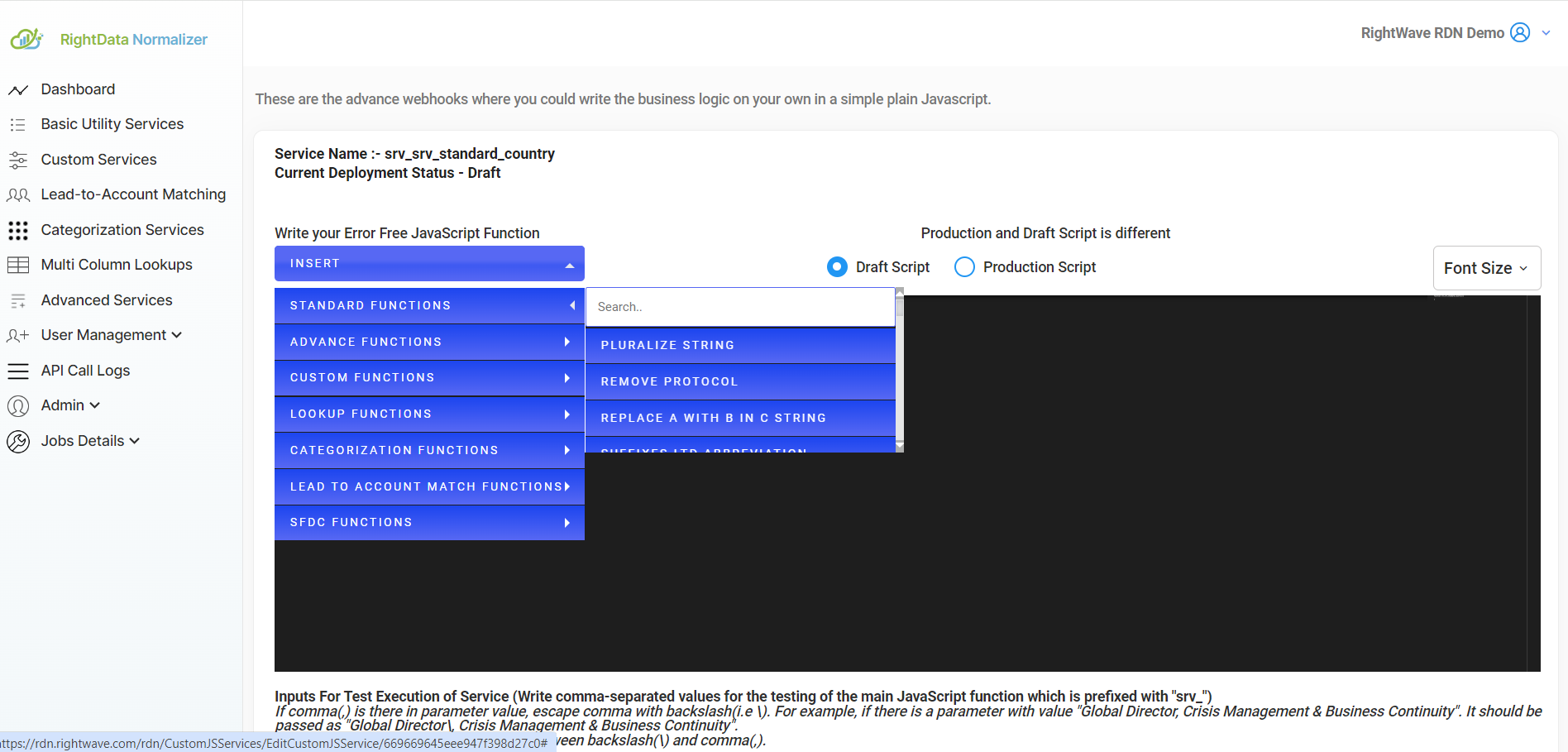
Common Basic Services include:
- String utilities (concatenation, case conversion, etc.)
- Number operations (rounding, calculation, etc.)
- Date/time operations
- General data processing
For detailed information on each Basic Service, visit the Basic Services Help Section.
4.1.2 Multi-Column Lookups
RDN provides both Standard and Custom Lookups for retrieving data from multiple columns.
How to insert:
- Click INSERT → LOOKUP FUNCTIONS and select the desired function
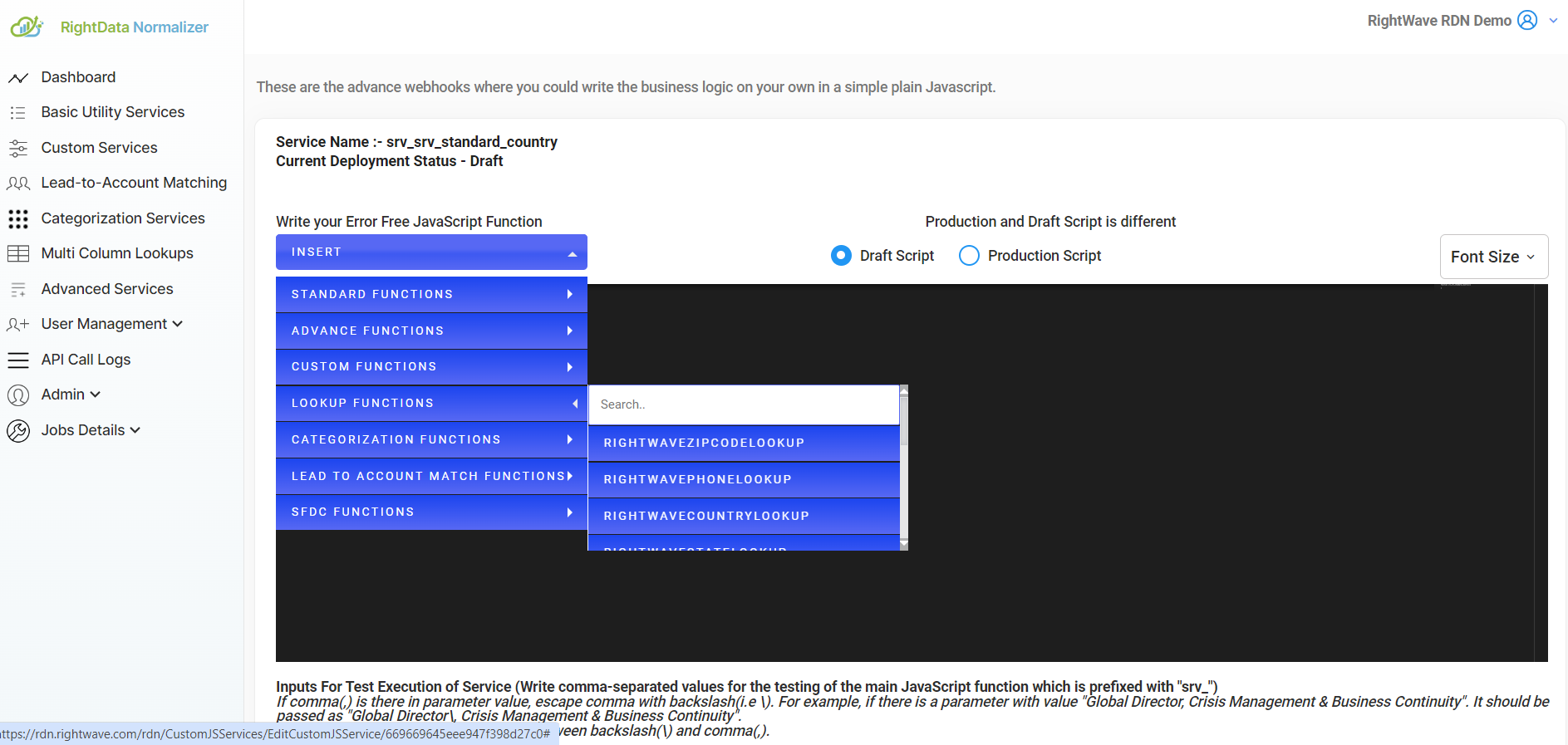
Features:
- ✅ Retrieve data from multiple database columns
- ✅ Create custom lookup mappings
- ✅ Combine lookups with other functions
- ✅ Performance-optimized queries
For more information, see the Multi-Column Lookup Help Section.
4.1.3 Categorization Service
The Categorization Service classifies data based on specific criteria, useful for handling large datasets.
How to insert:
- Click INSERT → CATEGORIZATION FUNCTIONS and select the desired function
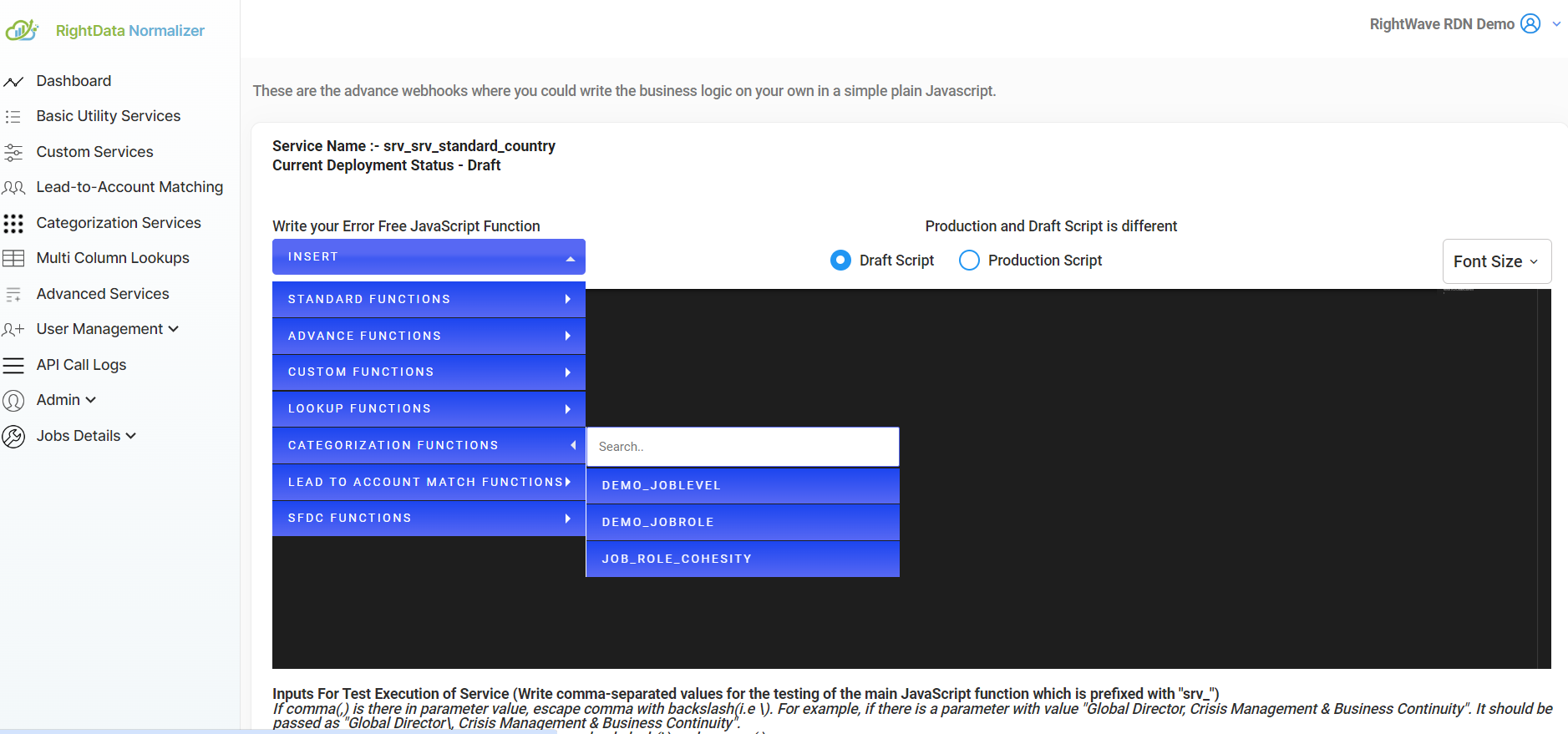
Use cases:
- Classify job titles
- Categorize industries
- Group data by predefined categories
- Apply business rules for classification
For detailed information, see the Categorization Service Help Section.
4.1.4 Lead to Account Match Service
Match leads with accounts in your CRM or data system.
How to insert:
- Click INSERT → LEAD TO ACCOUNT MATCH FUNCTIONS and select the desired function
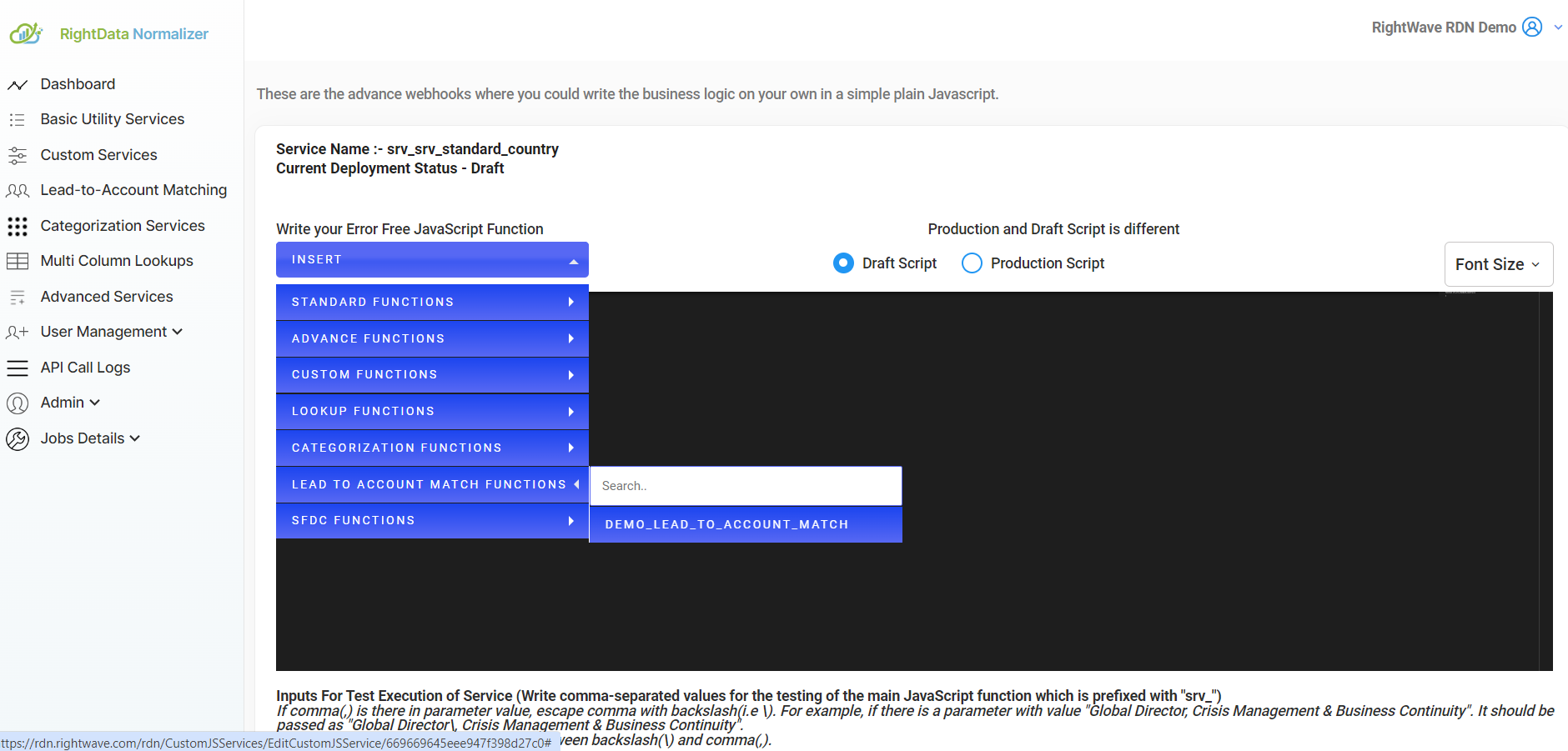
Features:
- ✅ Match leads to existing accounts
- ✅ Identify account relationships
- ✅ Prevent duplicate account creation
- ✅ Streamline CRM data quality
For more details, see the Lead to Account Match Help Section.
Utility Functions Overview
Utility Functions are JavaScript functions you call directly from your code. They provide capabilities like logging and external API calls.
4.2.1 Log Functions
RDN provides logging capabilities for debugging JavaScript logic.
Purpose: Output debug information during development and testing.
Using rdn.log.debug()
Log simple values:
let country = "India";
rdn.log.debug('Value of country is ' + country);
Output in Log area:
Value of country is India

Logging JSON Objects
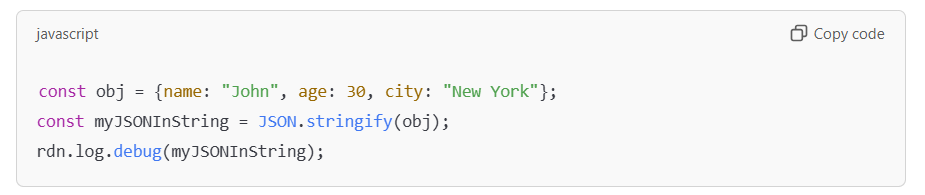
To log JSON objects, convert them to strings first using JSON.stringify():
const obj = {name: "John", age: 30, city: "New York"};
const myJSONInString = JSON.stringify(obj);
rdn.log.debug(myJSONInString);
Output in Log area:
{"name":"John","age":30,"city":"New York"}
Complete Logging Example
function srv_processData(input) {
  rdn.log.debug("Input received: " + input);

  const data = {
    input: input,
    timestamp: new Date(),
    status: "processing"
  };

  rdn.log.debug(JSON.stringify(data));

  return data;
}
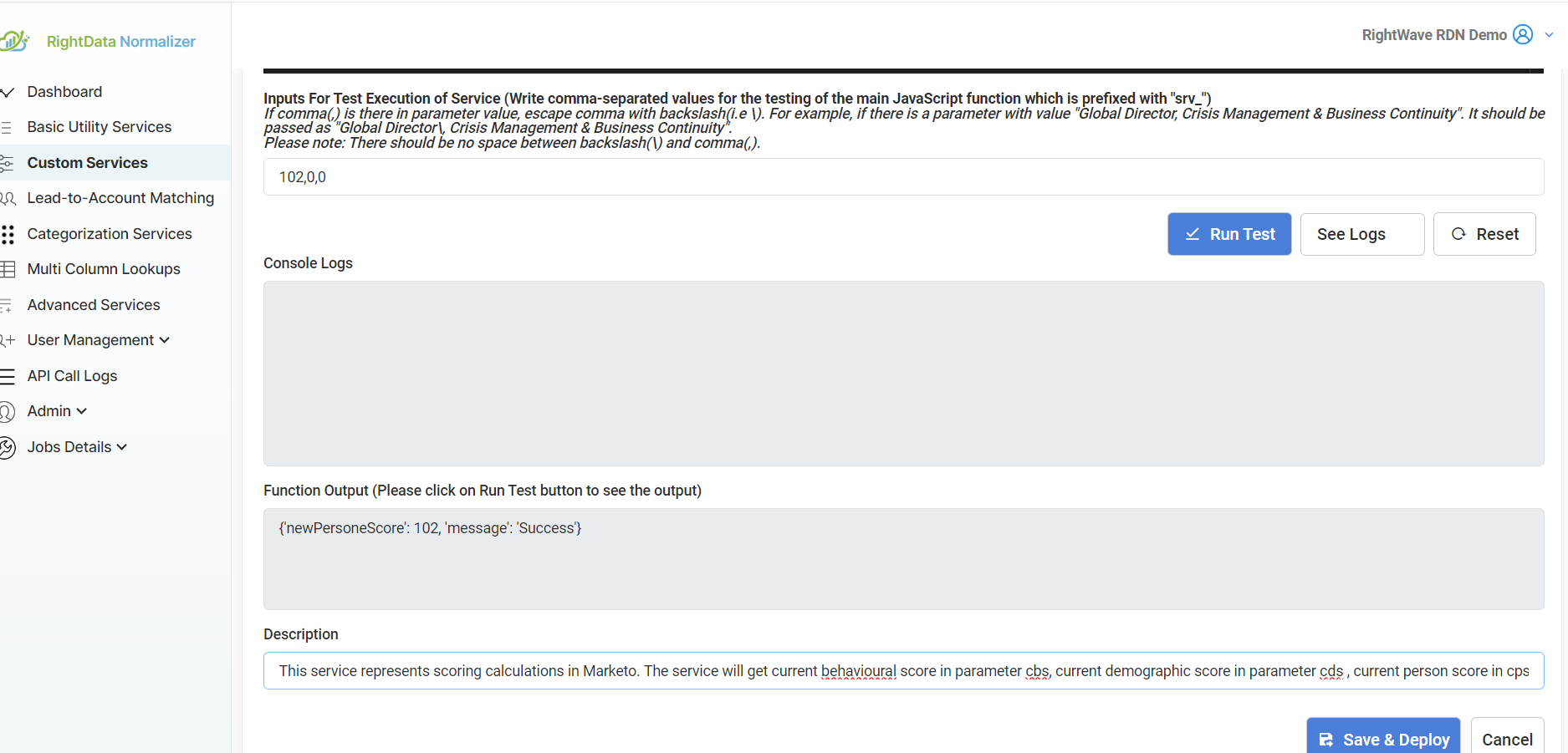
Logs are for development only - Use logging to debug during development and testing. Remove debug logs before deploying to production for better performance.
4.2.2 External API Calling Functions
Make HTTP API calls from your custom service using GET, POST, and PUT methods.
GET Request
Retrieve data from an external API:
function srv_test() {
  return rdn.call.GET(
    "https://api.rightwave.com/rdn/api/ss/aContainsBWithCase?inputA=newspaper&inputB=paper",
    {
      "auth-key": "6da-73de93a2e5a3a787d0262535"
    }
  );
}
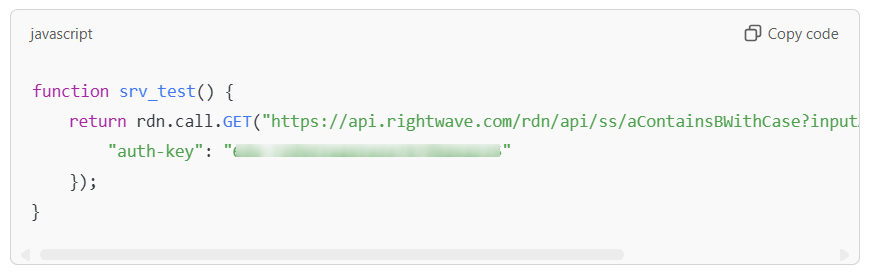
Syntax:
rdn.call.GET(URL, headers)
- URL: The endpoint to call
- headers: Object containing request headers (auth, content-type, etc.)
POST Request
Send data to an external API:
function srv_test2() {
  return rdn.call.POST(
    "https://api.rightwave.com/rdn/api/adv/generateQRCode",
    {
      "auth-key": "6c0-fb33163b75035789ef4c3587",
      "Content-Type": "application/json"
    },
    {
      "email": "abc123@example.com",
      "QrCodeInfo": {
        "Name": "Mike Jordan",
        "Company": "Nvidia Corporation"
      }
    }
  );
}
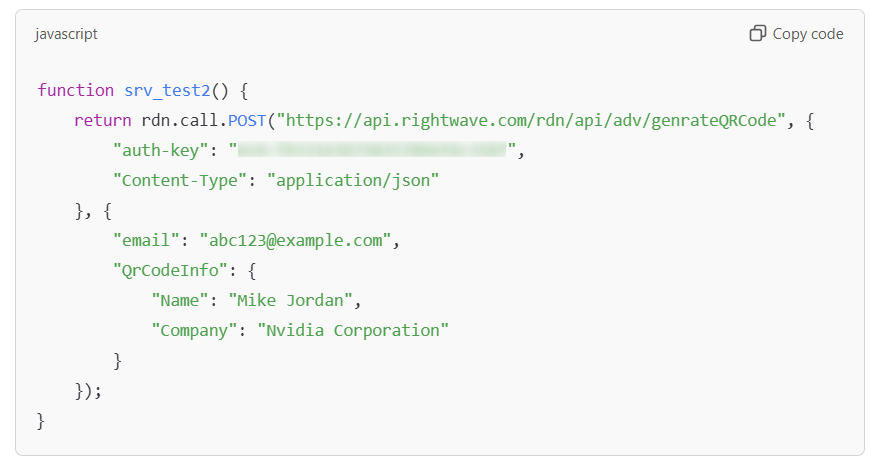
Syntax:
rdn.call.POST(URL, headers, payload)
- URL: The endpoint to call
- headers: Object containing request headers
- payload: Data to send (JavaScript object)
PUT Request
Update data on an external API:
function srv_updateData(id, data) {
  return rdn.call.PUT(
    "https://api.example.com/update/" + id,
    {
      "auth-key": "YOUR_AUTH_KEY",
      "Content-Type": "application/json"
    },
    {
      "field1": data,
      "updated": true
    }
  );
}
Syntax:
rdn.call.PUT(URL, headers, payload)
- URL: The endpoint to call
- headers: Object containing request headers
- payload: Updated data to send
API Best Practices
- Always include authentication - Pass auth keys in headers
- Handle errors - Wrap API calls in try-catch blocks
- Validate responses - Check response status before processing
- Use appropriate methods - GET for retrieval, POST for creation, PUT for updates
- Include content-type - Specify
application/jsonfor JSON payloads
Combining Functions
You can combine service and utility functions to create powerful workflows:
function srv_enrichAndLog(jobTitle, country) {
  // Log input
  rdn.log.debug("Processing: " + jobTitle + " in " + country);

  // Call external API
  const apiResponse = rdn.call.GET(
    "https://api.example.com/enrich",
    { "auth-key": "your-key" }
  );

  // Log response
  rdn.log.debug(JSON.stringify(apiResponse));

  // Return structured result
  return {
    jobTitle: jobTitle,
    country: country,
    enrichedData: apiResponse
  };
}
Next Steps
- Advanced coding patterns - Complex scenarios
- Test your functions - Validate with test inputs
- Deploy to production - Go live with your service
Ready to test? Move to the Testing & Deployment Guide! ✅