Installation & Configuration
Get the RDN package installed and configured in your Salesforce org.
Step 1: Install the Package
Installation Link
Navigate to this URL (you must be logged into Salesforce):
/packaging/installPackage.apexp?p0=04tfj0000008StZ
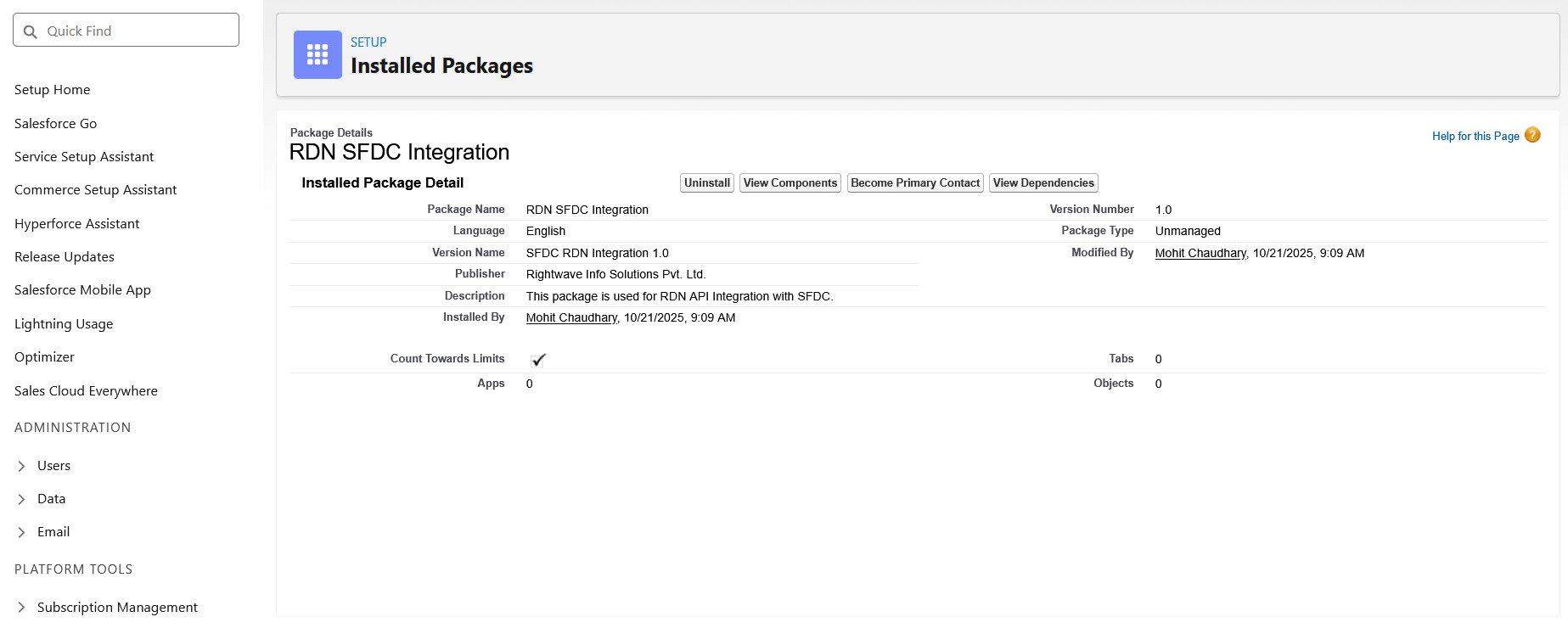
Package Installation Screen:
What's Included
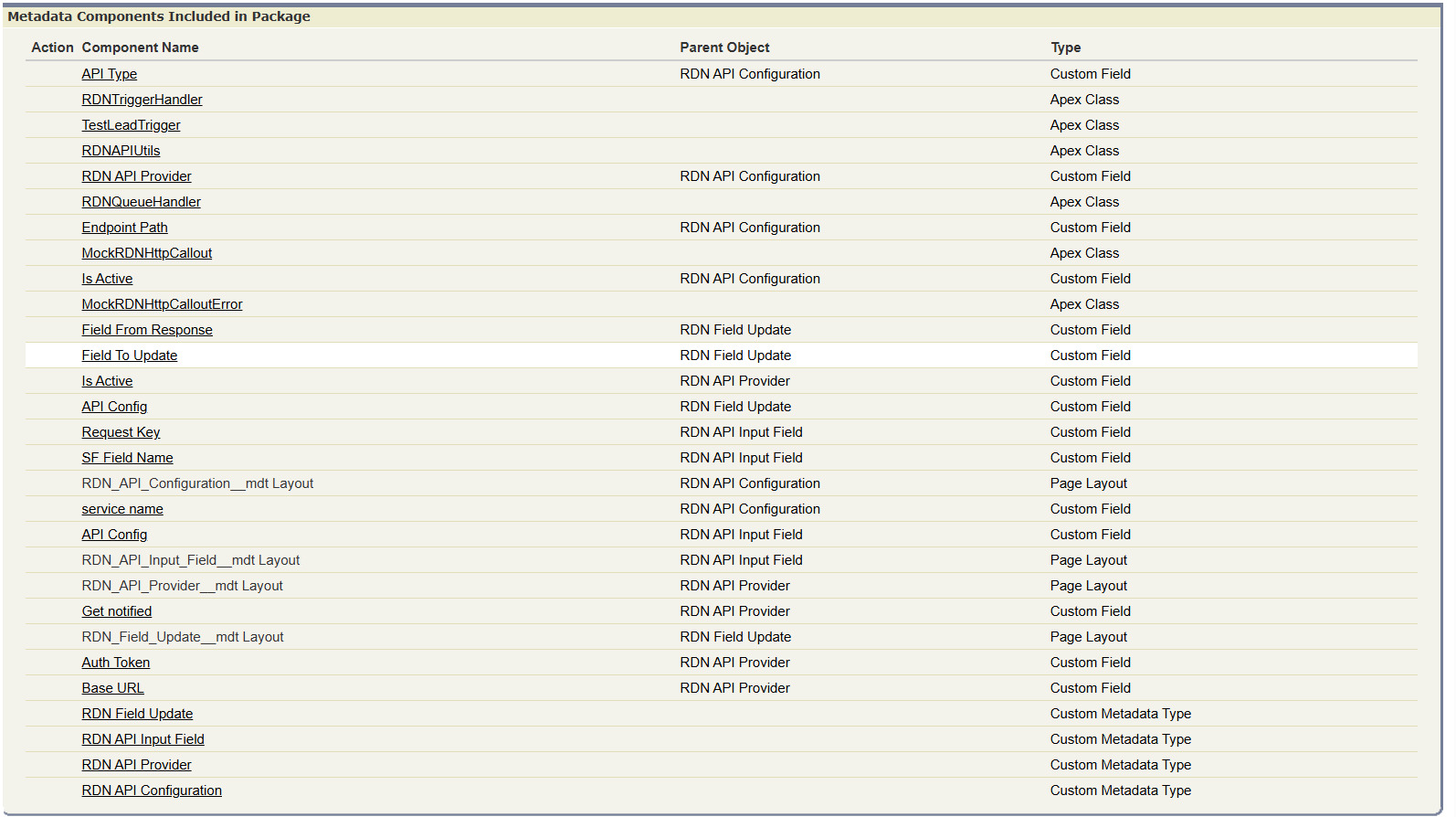
The managed package includes:
- Custom Metadata Types (CMDTs) - For flexible configuration without code changes
- Apex Classes
RDNTriggerHandler- Main trigger handler logicRDNAPIUtils- API utilities and payload building- Queueable Jobs - Async processing jobs
- Example Triggers - Ready-to-use implementations for Lead/Contact
tip
Install to a Sandbox first for testing before deploying to Production.
Step 2: Configure Metadata
The integration is completely configurable through Custom Metadata Types (CMDTs). You'll create and configure these four main types:
| Metadata Type | Purpose |
|---|---|
| RDN API Configuration | Defines which Salesforce object to monitor and how |
| RDN API Input Field | Maps Salesforce fields to API request parameters |
| RDN API Provider | Stores API endpoint details and credentials |
| RDN Field Update | Maps API response fields back to Salesforce |
Metadata Configuration Screen
Next Steps
- Detailed Metadata Setup - Configure each metadata type with field-by-field guidance
- Add Triggers - Implement triggers on your Salesforce objects
- Remote Sites - Allow Salesforce to call RDN APIs
Was this page helpful?